See what your car is actually doing.
A diagnostic program for OBD2 vehicles, for Windows and Linux. Live sensors, trouble codes in plain language, recorded drives you can play back, and before-and-after proof that a repair worked.
Download free Buy the adapter → (opens in a new tab)
Windows or Linux · version 1.1.6 · $9.99 to unlock, once · OBD2 adapter not included
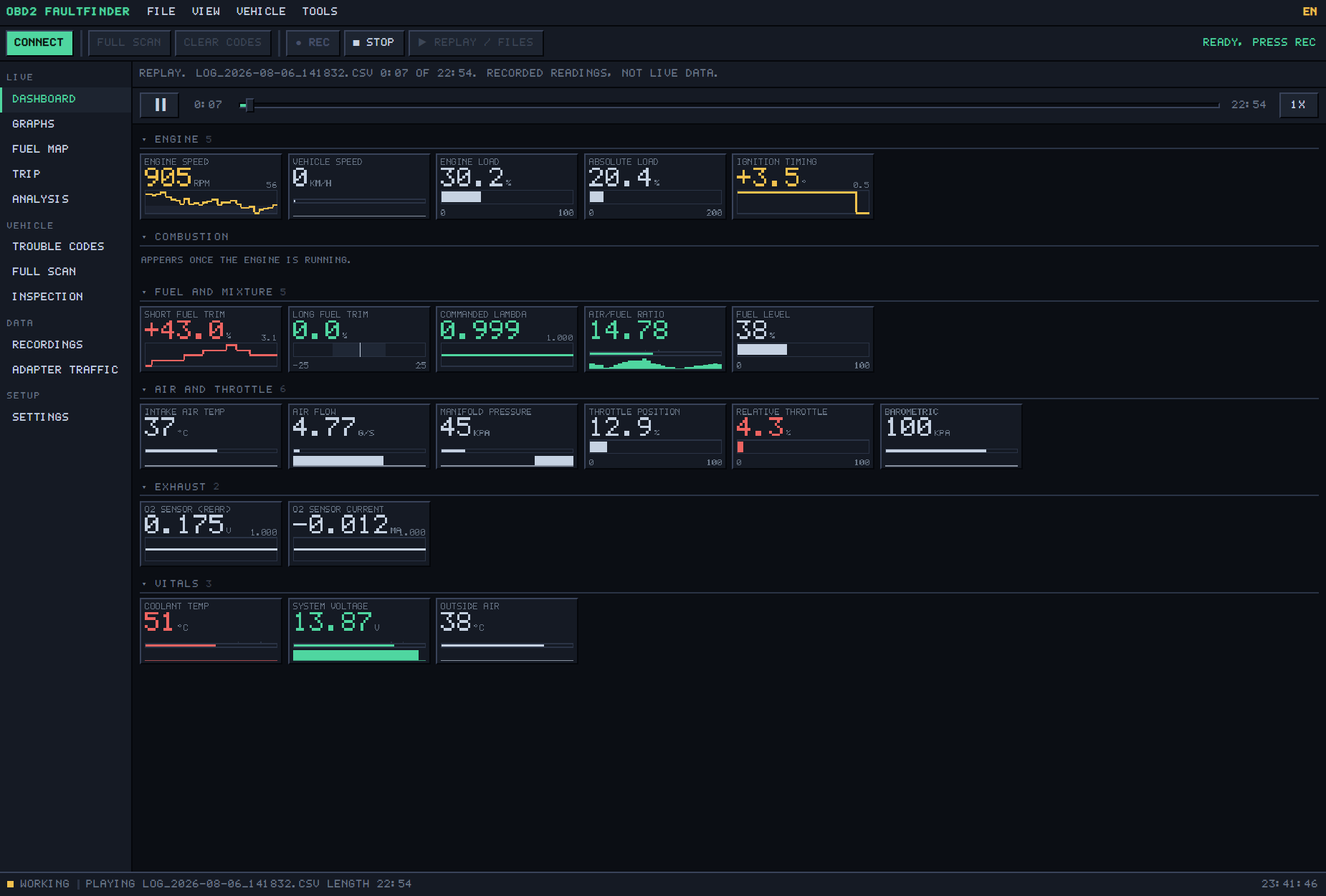
It tells you what the engine is doing. You decide what to fix.
Most code readers name a part and leave you to go and buy it. This one shows you what your engine is actually reporting: the live readings behind the code, and which of them look wrong. You decide for yourself, or hand your mechanic something better than a guess. A wrong part costs you sixty dollars and you still have the fault.
What it does
Live sensors
30 readings straight off the engine — fuel trims, airflow, timing, temperatures — as gauges or graphs.
Trouble codes, explained
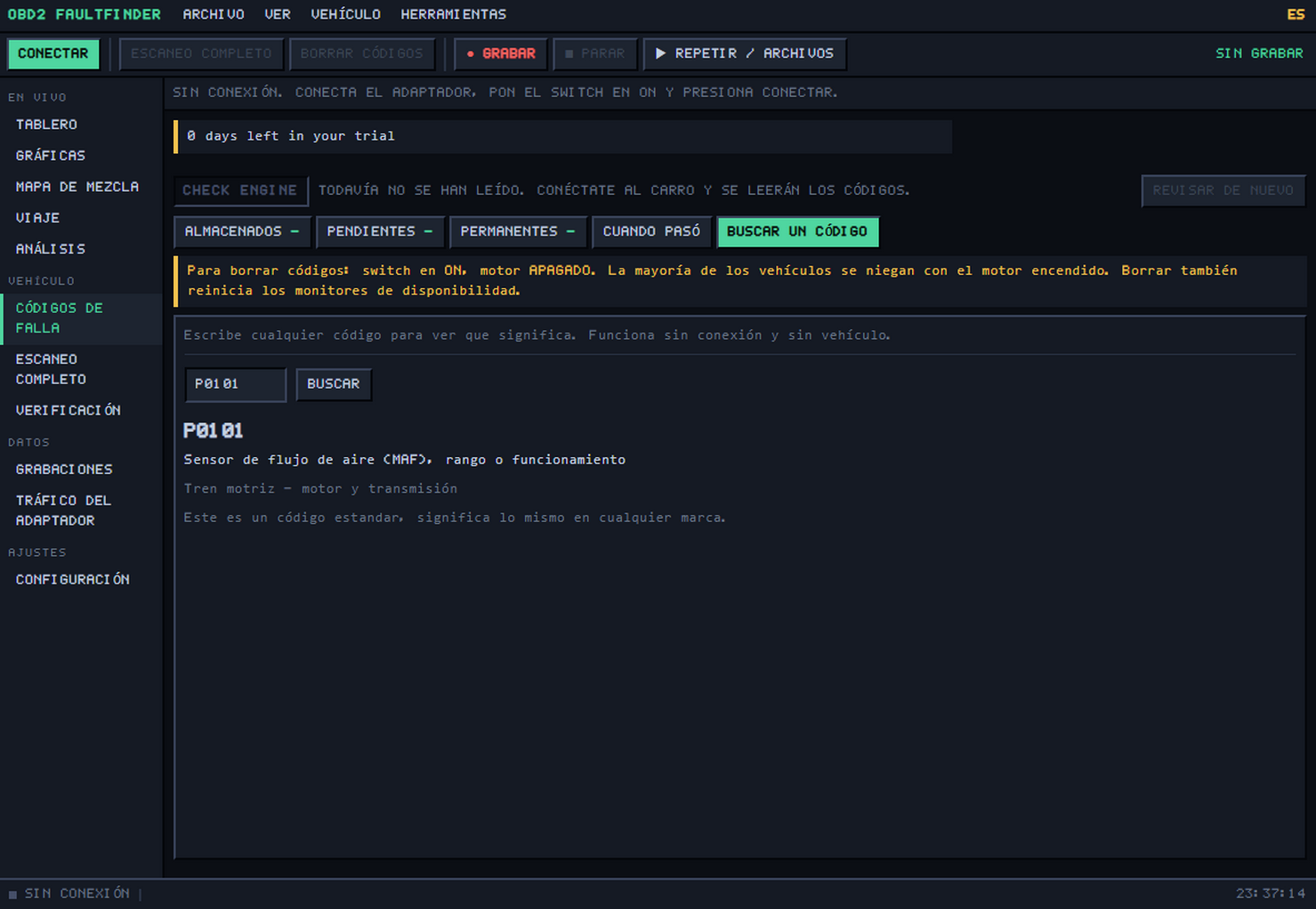
Stored, pending and permanent codes, each with a plain-language description instead of a bare number. Plus the freeze frame: the snapshot of what every sensor was doing at the moment the fault was recorded.
Record a drive, play it back
Press record, drive, and the whole run is a file. Play it back later through the same gauges, scrub through it, and look at the moment the fault happened again.
Did the repair work?
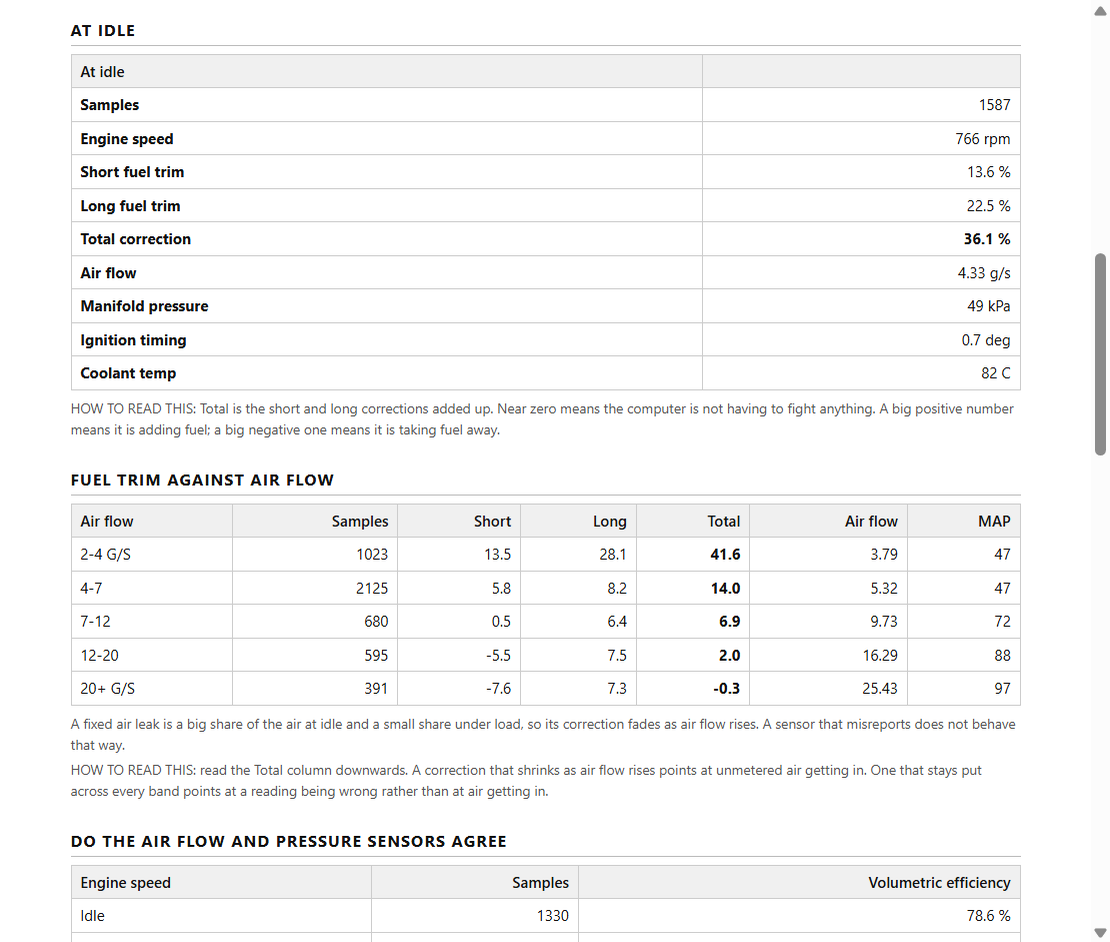
Compare two recorded drives side by side. The idle fuel correction before, after, and the change between them — with a warning if the two drives came from different cars.
Fuel map and trip figures
A grid of where your engine actually spends its time — how hard it works at each speed and load — filled in as you drive. Plus distance, fuel and averages for the trip.
Nine looks, and it remembers yours
Dark and light are free. A key adds seven more, from amber night to green phosphor, plus needle and cluster gauges instead of numbers. Try them on this page — the picker is in the top bar.
A report you can hand over
Save or print a self-contained report for a mechanic, a buyer, or your own records.
Hand your customer a report they can read
The printed report comes out in English or Spanish — the code descriptions, the readings and the notes, not just the headings. One button switches the whole program, so a shop can work in one language and hand the customer paperwork in the other. Most diagnostic software is English only.
Look up a trouble code → Free, no download needed
Codes people look up most
- P0300Random or multiple cylinder misfire detected
- P0420Catalyst system efficiency below threshold, bank 1
- P0171System too lean, bank 1
- P0455Evaporative emission leak detected, large leak
- P0442Evaporative emission leak detected, small leak
- P0128Coolant thermostat below regulating temperature
- P0101Mass or volume air flow circuit range or performance
- P0301Cylinder 1 misfire detected
- P0174System too lean, bank 2
- P0700Transmission control system, fault present
What you need
- THE CAR’S SOCKETUnder the dash, driver’s side. Every car sold in the US since 1996.
- THE ADAPTERYou buy this yourself, anywhere. Any ordinary OBD2 one will do.
- YOUR COMPUTERWindows or Linux. The program runs here, not on the adapter.
Windows 10 or 11, or 64-bit Linux — and an OBD2 adapter. The program cannot reach your car on its own: the adapter is the piece that plugs into the socket and talks to the computer. Every car sold in the US since 1996 has that socket, usually under the dashboard on the driver’s side.
A USB cable is the simplest: plug it into the car and into the computer, nothing to pair. An older Bluetooth adapter works the same way once it is paired in your computer’s Bluetooth settings.
You buy one yourself, from anywhere — we do not sell them. Any ordinary OBD2 adapter will do. They are a universal part: dozens of companies make them, and they are sold in car-parts shops and online everywhere. Not one of them is made for this program in particular. All that matters is that it can connect to a computer, by USB cable or over Bluetooth or Wi-Fi.
Don’t have one yet? Two we recommend, both on Amazon. The USB cable is the simplest: plug it in and go. The Bluetooth adapter has no cable to run to the computer; you pick it inside the program, with nothing to pair in your computer’s settings.
The USB adapter on Amazon → (opens in a new tab)
The Bluetooth adapter on Amazon → (opens in a new tab)
Ordinary parts, not ours. If you buy through either link, Amazon pays us a small commission and you pay the same price. The USB cable has a switch: leave it on HS unless you know your car needs MS.
The paper you hand over
One self-contained page: the vehicle, the check-engine lamp, every code with its meaning, the readiness monitors, the readings tables, the observations from the analysis and the freeze frame the car stored. Plain black on white, because it is going to be printed or emailed.
In English or Spanish — the descriptions and the notes, not just the headings. Save it as a file or send it straight to a printer.
Will your adapter work?
| Connection | What it is | Tested |
|---|---|---|
| USB cable | The ordinary OBD2 cable, sold everywhere. Plugs into the car and into your computer. | Tested on a car |
| Bluetooth (paired first) | An older Bluetooth dongle you pair in your computer’s Bluetooth settings first. It then appears in the program’s USB list — not the Bluetooth LE one. | Should work |
| Bluetooth LE | A newer low-energy dongle, the kind usually sold for phones. You pick it inside the program — not in your computer’s Bluetooth settings — and it recognises the common makes on its own. | Tested on a car |
| Wi-Fi | A dongle that makes its own Wi-Fi network. You join it, then connect to 192.168.0.10 port 35000. | Beta |
Tested means whole drives recorded on a real car. Beta means the connection works in testing, and the program says BETA next to it as well. Either way, the seven days are there so you can find out on your own car before you pay anything.
What it does not work with
Better you read this before you download it than after. Nothing here was tested and failed — these are things the program was never built to do.
- Scanners with their own screen A tool that shows the codes on its own screen is a finished scanner, not an adapter. It does the diagnosing inside itself, and only its maker’s software can talk to it — including through its USB socket or its own Bluetooth.
- Adapters locked to one company’s app A few are sold as a closed set, built to answer one program and nothing else. If the maker says its adapter also works with other OBD2 programs, it will work here. If the maker says nothing about other programs, assume it will not.
- Workshop programming interfaces That kind of connection runs through an installed driver, not the plain USB, Bluetooth or Wi-Fi stream this program speaks. If your tool also has an ordinary mode, that mode should appear like any other adapter.
- Cables built for one carmaker’s own software Same 16-pin plug at the car, same USB plug at the computer. But they were made to run a single manufacturer’s program, and they do not answer the standard commands every make shares.
And on the car itself
- It does not command the car No active tests, no coding, no relearns, and no reset of the oil-change or service reminder. That reminder is a separate counter with no code behind it. The only thing this program ever writes to the car is the clear-codes request.
- ABS, airbags and body modules are not read It speaks the standard emissions connection only, so those units are never asked. It also cannot tell you which module a code came from. Transmission is partial: the standard codes appear with their names, but there are no live transmission readings.
- Electric cars, big trucks and motorcycles An electric car has no engine computer to answer these questions. Heavy trucks and buses usually talk on a different network, often through a round nine-pin socket.
- Cars older than OBD2 If the car was built before OBD2 reached the market it was sold in, there is no OBD2 inside it, whatever socket it has.
One thing worth knowing before you clear a code: clearing also resets the readiness monitors, and those are what an emissions test reads. The car needs roughly 80 to 160 km of mixed driving afterwards before it can be tested again.
Everything works for 7 days. Then it keeps working.
Install it and the whole program runs for 7 days with nothing held back. After that it does not expire and it does not nag. It settles into being a free code reader, and a key unlocks the rest whenever you want it.
What a key unlocks
Free forever
- Live sensors — 30 readings, as numbers, bars or traces
- Trouble codes: read them, see the freeze frame
- Look up any of 545 codes, English or Spanish
- Full scan and emissions readiness
- Dark and light themes
With a key
- Erase the trouble codes
- Record a drive and play it back
- The analysis
- Compare two drives — did the repair work?
- Save or print a report
- Seven more themes, needle and cluster gauges
One payment. No subscription.
One person
$9.99
1 computer
One computer. Moving to a new one takes a moment — retire the old one and the place frees up.
Shop
$39.99 — $8.00 per computer
5 computers save 20%
For a workshop. One key that works on five computers at once, at eight dollars each instead of ten.
Each purchase gives you one key. It can be active on the number of computers shown, at the same time. Retire one from inside the program and the place frees up for the next machine. Keys do not expire.